

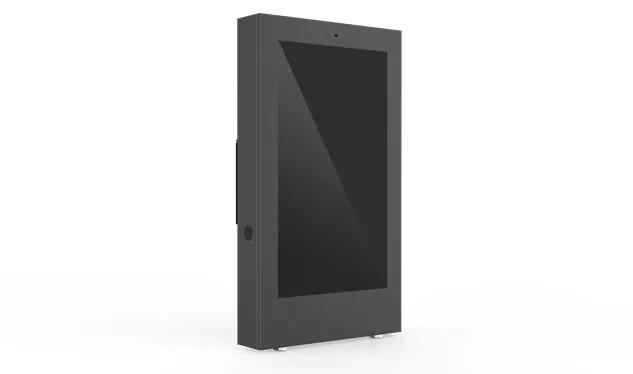
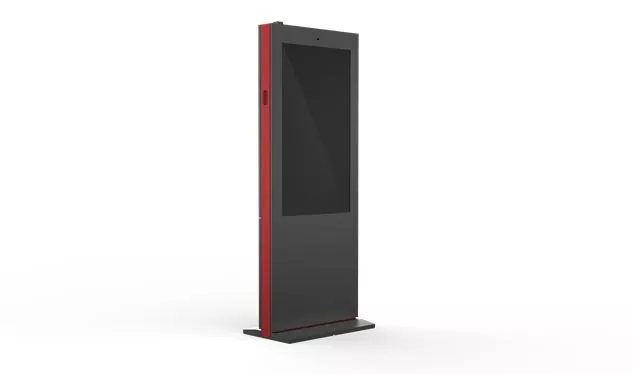
Indoor Information Kiosk
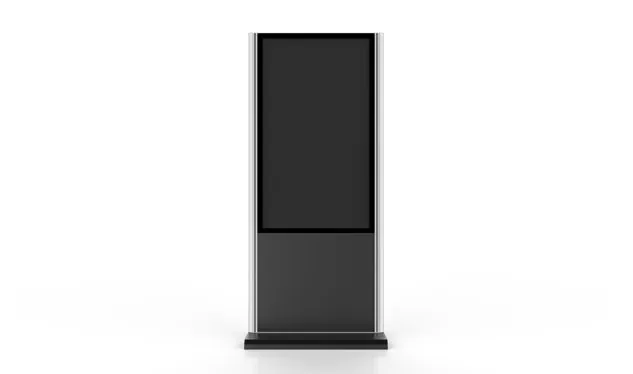
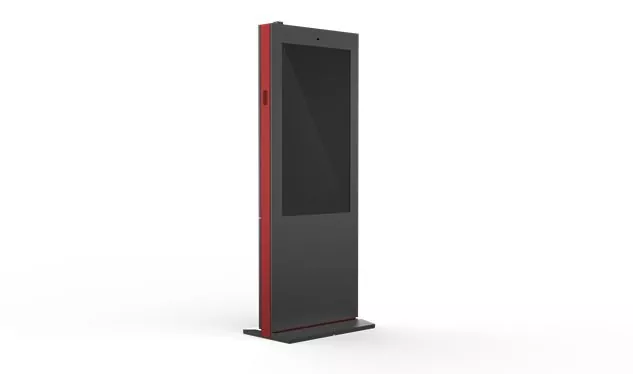
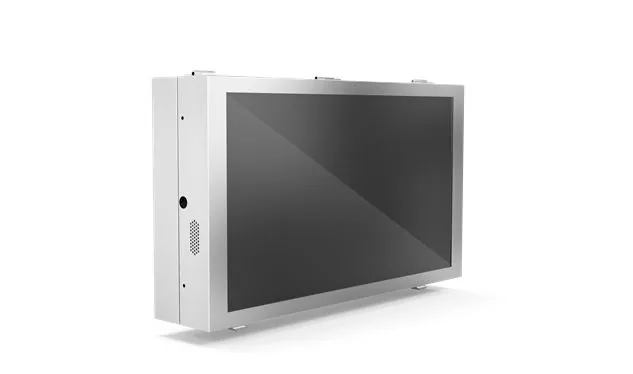
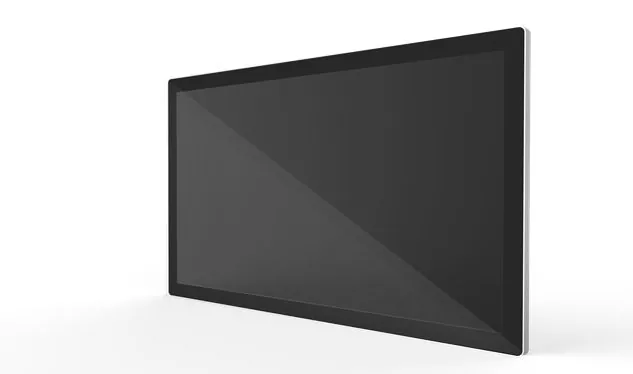
An indoor information kiosk is an interactive, self-service terminal designed to provide users with easy access to information, services, and digital content in various indoor environments. These kiosks are commonly found in locations such as shopping malls, airports, corporate offices, museums, and hospitals, serving as a convenient point of access for a wide range of information and services.
Send Inquiry
Product Description
Self-Service Terminal
Product Overview
An indoor information kiosk is a standalone, touch-screen terminal that lets visitors look up information or complete a task on their own — no staff required. Through intuitive on-screen interaction it delivers direct, real-time information services, making it the front-line self-service point of shopping malls, stations, offices, hospitals, schools and libraries.
- Touch-screen self-service
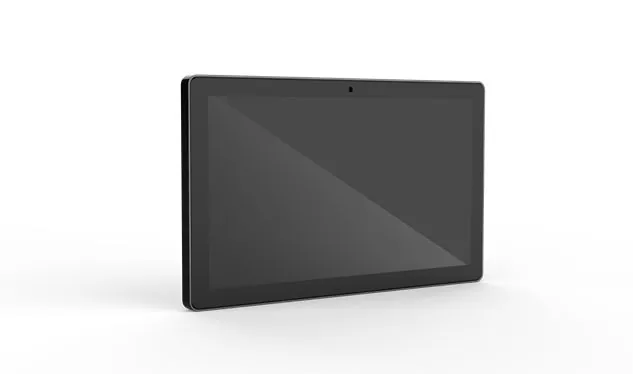
- Floor-standing, wall-mounted or desktop
- Wi-Fi / LAN with remote content updates
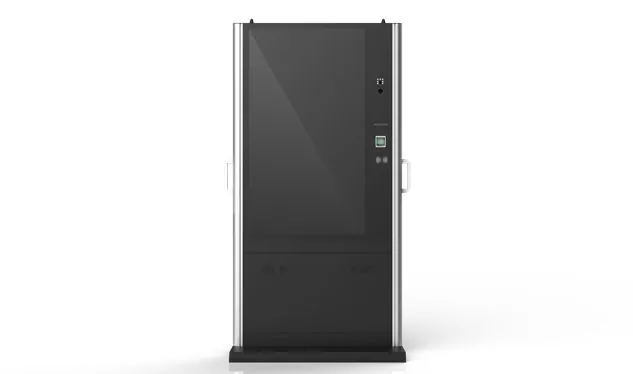
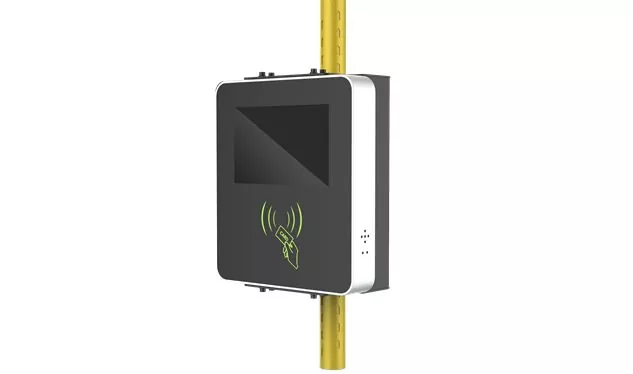
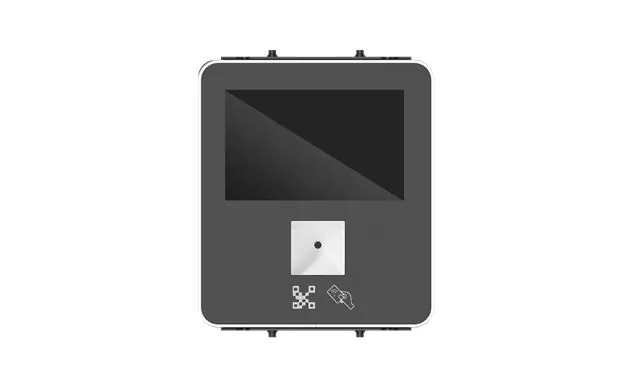
- Peripheral-ready (printer, card reader)
In short: an indoor information kiosk is a networked, touch-operated self-service terminal for indoor venues. Users query information, navigate a site, register, book or pay by themselves, while administrators update the content remotely and connect it to a backend database or management system.
Key features
What separates a well-built indoor kiosk from a generic screen — and why it matters in daily operation.
-
Built for indoor environments
Simple, clean styling in floor-standing, wall-mounted or desktop formats. Metal or durable plastic housings suit malls, lobbies, halls and other indoor public spaces.
-
Effortless to operate
A responsive touch screen with clear icons and easy-to-follow menus means first-time users can complete a task without instructions or staff help.
-
Clear, readable display
High screen resolution keeps text, images and maps crisp, with brightness adjustable to match changing indoor lighting throughout the day.
-
Networked and expandable
Wi-Fi or wired LAN connects the kiosk to your network for live information updates and access to a backend database or management system. Printers, card readers and other peripherals can be added on selected models.
-
Content that is easy to manage
Displayed content can be tailored per location and updated or maintained remotely over the network — no on-site visit needed for routine changes.
-
Safety and privacy by design
The chassis structure helps prevent abnormal disassembly. Where personal data or payment is involved, privacy filters and additional protective measures can be fitted.
-
Inclusive for every user
Selected kiosks offer adjustable screen height, voice guidance and other accessibility functions so people with different needs can use them comfortably.
-
Reliable through long operating hours
Industrial-grade components and efficient thermal design keep the kiosk stable during long opening hours in busy public spaces, reducing downtime and service calls.
Common applications of indoor information kiosks
The same self-service platform adapts to very different environments — only the content changes.
-
Retail
Shoppers check product details, prices and current promotions before they buy.
-
Transport hubs
Travellers look up flight or train numbers, buy tickets and view terminal or station maps.
-
Office buildings
Visitors self-register, find a department or check meeting room arrangements.
-
Healthcare
Patients register, book appointments and locate the right department or clinic.
-
Schools & libraries
Campus wayfinding, event information and catalogue or collection look-up.
-
Government & public services
Citizens check service guides, take a queue number and complete forms or applications.
Frequently asked questions
What is an indoor information kiosk used for?
It is a self-service touch-screen terminal placed inside public indoor spaces. Typical uses include information look-up, wayfinding, visitor registration, appointment booking, ticketing and payment.
Can the content be updated remotely?
Yes. Indoor information kiosks normally connect over Wi-Fi or a network cable, so displayed content can be updated and maintained remotely and can pull data from a backend database or management system in real time.
Can I add a printer or card reader?
Selected models support peripherals such as receipt printers and card readers. Confirm the required interfaces with the supplier when specifying your configuration.
Is the kiosk accessible for users with disabilities?
Some information kiosks provide adjustable screen height and voice guidance. Where personal information or payments are handled, privacy screens and other protective measures can also be equipped.
Ready to deploy self-service indoors?
Tell us your venue and use case — we will match the right kiosk form factor, screen and peripherals.
Hot Tags: Indoor Information Kiosk, China, Manufacturer, Supplier, Factory
Related Category
Send Inquiry
Please feel free to give your inquiry in the form below. We will reply you in 24 hours.